How to Pack Orders in Cozy Lucky Scoop Order
Match the ticket, pack once, ship clean — the quiet skill that raises badges without panic clicking.
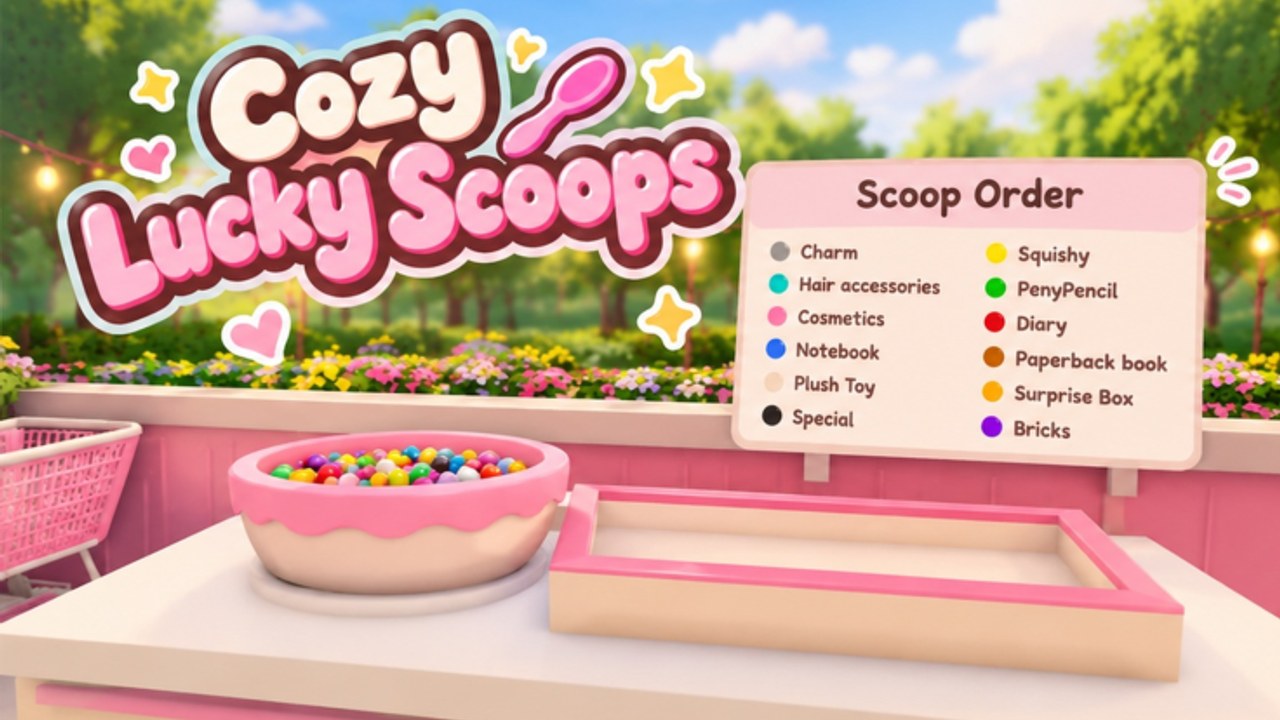
Packing is where Cozy Lucky Scoop Order sessions are won or quietly lost. Sakura Game Studios built a cozy Roblox loop — Scoop → Pack → Ship — and the middle step is the one beginners rush. This guide focuses on packing carefully, matching the ticket, avoiding redos, and playing the packer role well in co-op so every box you close actually ships.
If you still need the full play overview, start with How to Play or Getting Started. When packing feels solid, raise volume with Order Efficiency and track milestones on Badges.
Why packing quality beats raw speed
A frantic pack that fails costs more time than a calm pack that ships. Redos burn:
- The scoops you already carried
- Station space friends need
- Focus that should have gone to the next ticket
- Badge progress, because only shipped orders count
Measure yourself by successful ships per hour, not by how hard you mash the pack interact. Careful packing is the cozy version of mechanical skill.
Step-by-step: pack one order cleanly
- Re-read the ticket at the pack station. Do not trust memory from the scoop walk. Confirm item types and counts one more time.
- Stage what you are holding. Mentally (or physically) separate correct scoops from extras you should not force into the box.
- Match the ticket, not the vibe. Cute product mixes still fail if the order asked for different counts.
- Interact with the pack station deliberately. Follow on-screen confirms. Wait for feedback instead of double-tapping through errors.
- Verify before you walk away. If the UI or visual state still looks incomplete, fix it now.
- Move the finished pack to shipping immediately. A correct box on the counter is not a badge yet.
- Only then take a mini gift lap, decorate, or start the next scoop route.
That sequence is how to pack orders in Cozy Lucky Scoop Order without paying the redo tax.
Matching the ticket like a pro
Ticket matching fails for predictable reasons:
- You scooped the right flavor family but the wrong count.
- A friend added an extra scoop “to help.”
- You packed mid-conversation and lost the number.
- You chased a garden gift with a half-built box behind you.
Fixes:
- Call the ticket once in chat during co-op (“two pink, one blue”).
- Solo players can whisper the counts out loud.
- If interrupted, stop and re-read before committing the pack.
- Keep carry loads ticket-shaped — scoop for this order, not for a fantasy inventory.
Avoiding redos (and recovering when they happen)
Prevention
- Read → scoop → pack → ship as a checklist.
- Upgrade carry capacity when trips force rushed partial packs — see Shop and Garden and Gamepasses.
- Keep the pack table unblocked by decor so you can see what you are doing (Controls helps if prompts feel finicky).
- Do not start a second ticket until the first has shipped.
Recovery
- Stop moving.
- Re-read the ticket.
- Inventory what is already in the broken pack versus what the order needs.
- Rebuild cleanly — do not “almost” salvage a wrong box.
- Ship, then take a breath before the next order.
Ego keeps bad packs alive. Discipline rebuilds them once.
The packer role in co-op
You can invite up to three friends on servers that hold about twelve players. Efficient groups often appoint a dedicated packer:
- Packer owns box quality and final counts.
- Scoopers deliver exact needs and call shortages.
- Runner / shipper clears finished packs and frees the station.
Packer rules that prevent chaos:
- Nobody steals the box mid-count.
- One person restates the ticket; others listen.
- If two scoopers arrive with duplicates, the packer decides what enters the box.
- Packer calls “ready to ship” so the runner moves instantly.
Solo players can still think like a packer: finish the quality step fully before you become the shipper again. Role culture also appears on the Players Hub.
How packing feeds badges and efficiency
Badge milestones sit at 1, 10, 25, 50, 100, 250, 500, 750, and 1000 cumulative ships. Every redo delays the next number. Packing carefully is therefore a badge strategy, not only a niceness habit.
Pair this page with:
- Order Efficiency — fewer trips, clearer routes, stuck-order protocol
- Badges — long-term milestone planning
- Daily Rewards — claim free value, then convert it into capacity that makes packing less frantic
When ships-per-hour rise after you slow your packing hands, you did it right.
Station hygiene and layout
Beautiful shops still need a usable pack lane:
- Leave space to approach the pack interact from more than one angle.
- Keep tall decor out of the camera cone you use while confirming counts.
- Restock shelves during pauses between ships, not while a box is half-built.
- After cosmetics updates (for example the November 2026 new-designs window), re-check whether new props block the pack path — see Updates.
Layout spending advice lives in Shop and Garden.
Practice block: packing focus
- Claim dailies quickly.
- Run five tickets where your only goal is zero redos.
- Note each mistake cause (miscount, friend collision, gift distraction).
- Fix the top cause before you chase raw speed.
- On the next block, add pace without reintroducing redos.
- Log ships toward your next badge milestone.
This is the same craft shown in calm “pack with me” style sessions: visible tickets, deliberate hands, immediate ships.
Common packing myths
- “Faster clicking packs faster.” No — faster confirmed packs do.
- “Extras in the box are fine.” Match the ticket; do not invent substitutions.
- “Gifts mid-pack are harmless.” They are the top way counts disappear from your brain.
- “Co-op always packs quicker.” Only with roles. Random pile-ins often pack slower than a focused solo player.
Related reading
- How to Play — loop refresher
- Order Efficiency — throughput after quality is stable
- Badges — why shipped packs matter
- Controls — click/tap habits at stations
- Getting Started — first-session context
- Guides Hub — full tutorial index
Pack orders like a craft. Match the ticket, protect the box from chaos, ship the moment it is right, and let clean packing carry your cozy badge climb.
Frequently Asked Questions
Quick answers about scooping, packing, shipping, and Beta progress.
How do you pack orders in Cozy Lucky Scoop Order?
Re-read the ticket at the pack station, match item types and counts exactly, confirm the pack once, then ship immediately. Avoid mid-pack gift hunts and chat distractions.
Why do my packs keep failing or needing redos?
Usually miscounts, scooping blind, friend collisions, or abandoning a half-built box. Stop, re-read the ticket, rebuild cleanly, and ship before starting anything else.
What does the packer do in co-op?
The packer owns final counts and box quality while scoopers deliver exact needs and a runner ships finished packs. One person should restate the ticket.
Does careful packing help badges?
Yes. Badges track cumulative shipped orders. Fewer redos means more successful ships per hour toward milestones at 1 through 1000.
Should I upgrade capacity before I worry about packing?
Both matter. Capacity reduces frantic partial loads; packing skill prevents wasting those loads. See Shop and Garden and Order Efficiency.
Where should I go after I can pack cleanly?
Open Order Efficiency for speed routing and Badges to plan your next shipping milestone.