Cozy Lucky Scoop Order Shop and Garden Customization
Make the space yours — without starving the Scoop-Pack-Ship line of capacity.
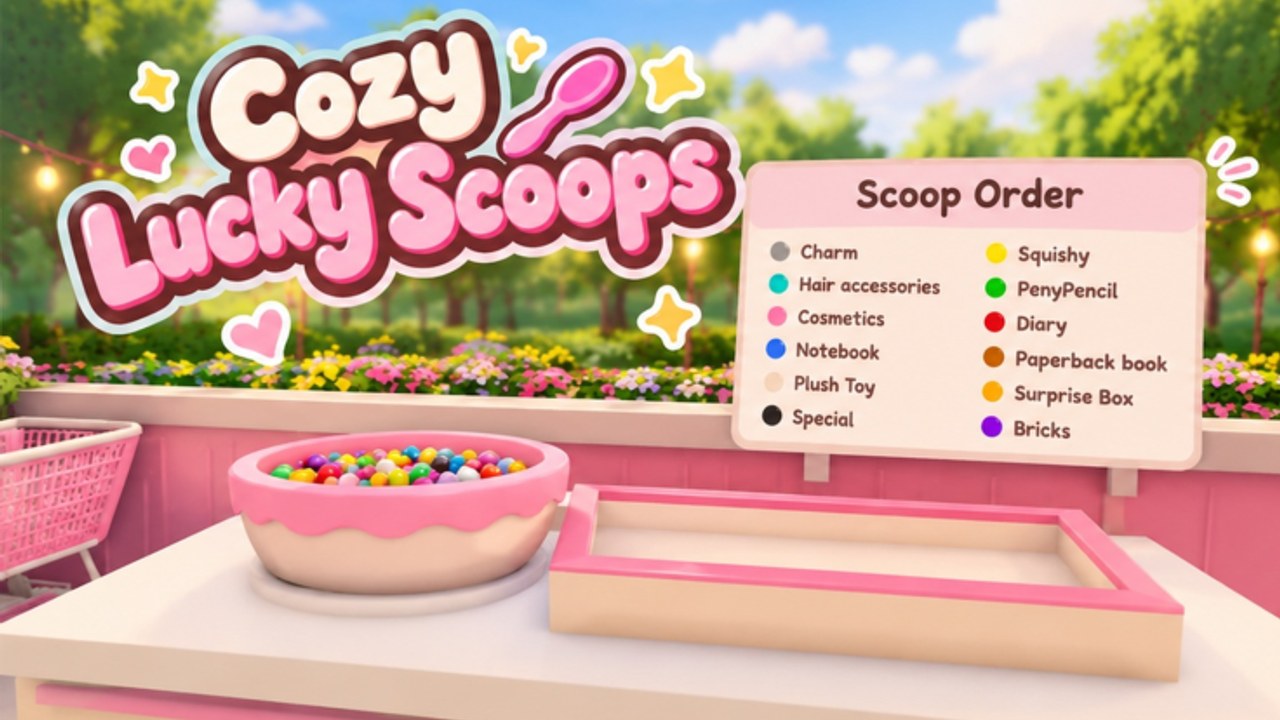
The shop and garden are the heart of Cozy Lucky Scoop Order. Sakura Game Studios built a Roblox cozy sim where decoration is part of the fantasy, yet the beta economy (since October 19, 2026) still rewards players who can Scoop → Pack → Ship without constant empty-handed trips. This guide explains how to customize with intention: when to buy shelves and carrying upgrades, when to decorate, and how layout choices either shorten routes or create beautiful obstacles.
Two budgets, one wallet
Mentally split spending into Capacity and Vibe:
- Capacity: Basket and Cart style carrying upgrades, extra shelves, anything that lets you move or stage more product per minute.
- Vibe: Furniture, garden pieces, color stories, display props that make the space feel like your shop.
Both matter. Capacity pays you back every order. Vibe pays you back in session length and pride. Early on, Capacity should win most contested purchases. Community tooling frequently highlights Auto Buy paths for Basket, Cart, and shelves precisely because those buys remove friction from the loop.
Carrying upgrades: Basket and Cart
Low carry limits force micro-trips. Each extra walk between scoop point, pack station, and storage is hidden downtime. Prioritize carrying upgrades as soon as they are affordable after you understand the first-session loop in Getting Started.
Practical signs you need more carry now:
- You routinely leave leftover ticket items because you cannot hold them.
- You make three trips for orders that should be one or two.
- Friends in co-op keep waiting on you to arrive with partial scoops.
Cart-tier upgrades matter even more when order sizes grow. Buy them before you invest in a full garden redesign.
Shelves: storage that shortens paths
Shelves are not only storage — they are route design. Well-placed shelves keep popular scoop ingredients closer to packing flow. Poor shelves become scenery you walk around.
Shelf guidelines:
- Place high-use stock along the natural path from scoop → pack → ship.
- Avoid blocking doorways and ship stations with decorative clutter.
- Expand shelf count when you notice restock walking dominating the clock.
- Restock during natural pauses (after a ship, before the next ticket) instead of mid-pack.
If your ships-per-hour stall despite good packing, shelves and carry are the first suspects — confirm with ideas from Order Efficiency.
When decoration should wait
Delay heavy decoration if:
- You have not claimed today’s Daily Rewards and converted them into at least one capacity buy when needed.
- You are chasing early badge milestones (10–50) and still fumble trips.
- Your garden looks lovely but your pack station is a maze.
Decoration is not “wrong.” It is sequenced. Unlock the joy of vibes after the line can breathe.
When decoration should come first (sometimes)
Spend on vibe earlier if:
- Capacity is already comfortable for your current ticket sizes.
- You play primarily to relax and photograph the shop.
- A small decor purchase restores motivation to log in and ship tomorrow.
Motivation purchases can be rational. Just label them honestly so you do not wonder why badge 100 feels far away.
Garden play: cozy space, light utility
The garden extends the fantasy and often hosts mini gift hunts after daily claims. Keep paths walkable. Dense prop spam looks rich in a screenshot and feels exhausting in motion. Leave lanes for gift sweeps and for friends who join your session. Remember: up to three friends can co-op with you on servers that hold twelve players — they need floor space too.
Use garden time as a reward after a shipping block, not as avoidance when a ticket is waiting.
A simple upgrade priority ladder
- Learn the loop cleanly (no panic scoops).
- Buy the next carrying upgrade you can afford.
- Add or reposition shelves that cut walking.
- Spend a slice of income on a decor set that makes you smile.
- Reassess after each Badges milestone — bigger tickets may demand more capacity again.
- Cross-check evolving priorities on the Tier List hub as the meta page fills out.
Layout mistakes that cost ships
- Placing trophy decor in the packing choke point.
- Spreading shelves so far apart that restocks become cross-map runs.
- Building a garden labyrinth before you own adequate carry.
- Ignoring daily payouts that could have funded the next Cart step.
- Assuming scripts will fix a bad layout — even if you browse Scripts, a clean floor plan still wins.
Session template: decorate without derailing
- Minutes 0–5: Claim dailies, mini gift lap, quick capacity check.
- Minutes 5–25: Focused shipping block.
- Minutes 25–35: Optional decorate / garden pass with a spending cap.
- Final minutes: One clean ship so the session ends on progress.
This template keeps Cozy Lucky Scoop Order cozy and productive. For first-hour orientation, revisit Getting Started. For speed technique after the room feels right, open Order Efficiency. Watch Codes for future payout events (none active yet) and Updates when furniture or station behavior changes in beta.
Your shop should feel like home. Your shelves and carry upgrades make sure home can still ship on time.
Frequently Asked Questions
Quick answers about scooping, packing, shipping, and Beta progress.
Should I decorate or buy capacity first?
Buy carrying upgrades and useful shelves first in early beta, then decorate. Vibe spending is fine once trips feel comfortable.
Why do people mention Basket and Cart?
They are the carrying upgrade path that reduces trips per order. More carry usually means faster shipping and easier badge grinding.
How should I place shelves?
Along the scoop-to-pack-to-ship path, without blocking stations. Treat shelves as route tools, not only storage.
Does the garden affect orders?
Mainly as cozy space and a mini gift hunt area. Keep paths clear so decoration does not slow movement.
Can friends help rearrange the shop?
Invite up to three friends and agree on roles. Clear floor plans help co-op more than crowded showrooms.
Where do I go after upgrading?
Use new capacity on focused ships via Order Efficiency, and track milestones on Badges.