Cozy Lucky Scoop Order Codes
Status for November 2026 — no active codes, clear redeem steps when they launch, and free reward paths you can use today.
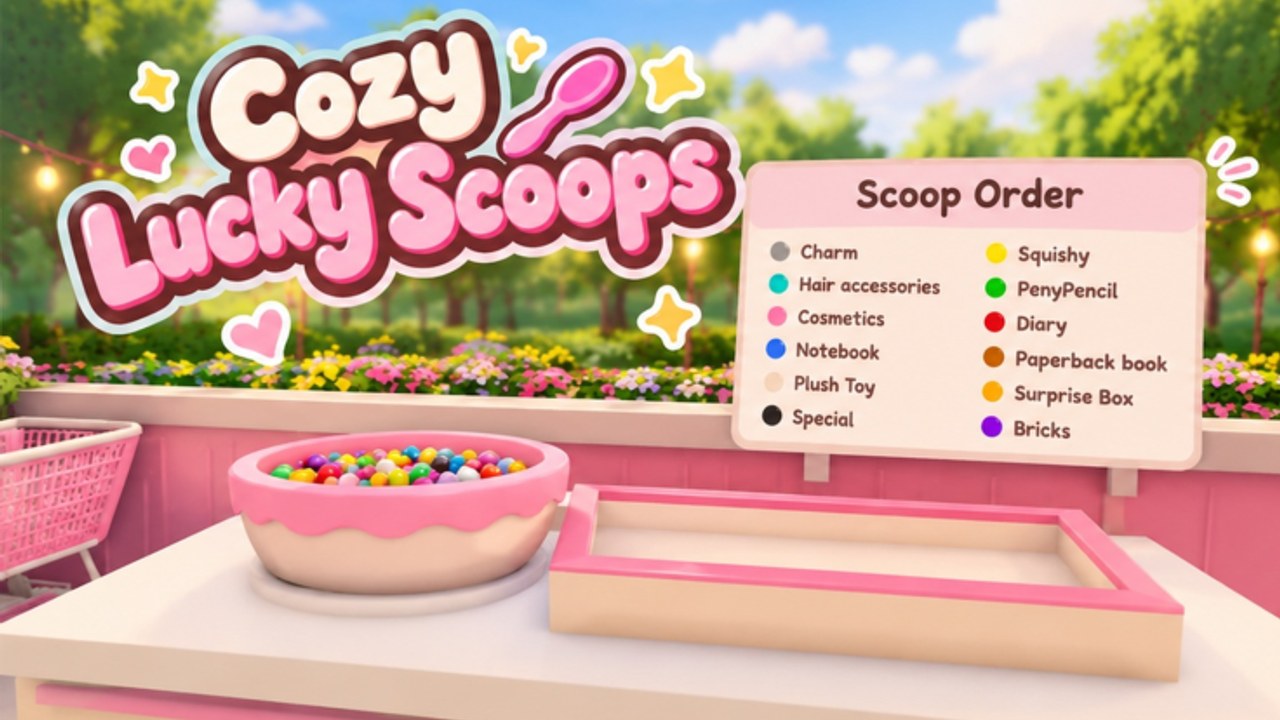
Current status: no working codes (November 2026)
There are no working promo codes for Cozy Lucky Scoop Order right now. Sakura Game Studios has not published an official code list for this Roblox BETA experience, and this wiki will not invent placeholder strings that waste your time. If another site shows a table of “working” codes for this title, treat them as unverified until they appear here with a clear last-checked note.
Cozy Lucky Scoop Order launched into early access on October 19, 2026 (Universe 10771928551). Many cozy simulators wait until a bigger milestone — visit spikes, badge events, or a wider marketing push — before shipping the first Twitter or Discord code. Until that happens, the honest answer is empty: zero active codes, zero expired codes on record for this game.
The November 13, 2026 place update and Nov 13–15 UTC “new designs” celebration also did not add promo codes. Treat that weekend as a cosmetics event, not a code drop — details on November 2026 New Designs.
This page is still the hub you should bookmark. When Sakura Game Studios does drop a code, we will list the string, the expected reward type if known, any level or visit requirements, and the expiry window. Refresh here after major Updates rather than trusting random screenshots in chat.
Why codes are missing in BETA
The game is free-to-play on Roblox, still labeled BETA, and already busy: millions of visits, a large favorite count, and busy concurrent rooms capped at 12 players with optional co-op for you plus up to three friends. Progression is driven by the Scoop → Pack → Ship loop, shop and garden customization, scattered mini gifts, and daily rewards — not by a mature code pipeline.
Early-access titles often prioritize stability and core economy balance before adding redeemable strings. Codes that grant large coin dumps can break badge pacing (orders shipped milestones at 1, 10, 25, 50, 100, 250, 500, 750, and 1000) or make paid coin packs feel pointless. Waiting is normal; inventing fake codes is not.
How to redeem codes when they exist
When an official code finally appears, use this checklist so you do not mistype it or redeem on the wrong experience:
- Launch Cozy Lucky Scoop Order from the correct Roblox place (not a lookalike scoop or “lucky” title).
- Wait until you are fully loaded into your shop session — UI buttons sometimes appear only after the tutorial or first spawn finishes.
- Open the in-game menu or settings panel and look for a Codes, Redeem, or Promo field. BETA UIs move; if the button is missing after an update, rejoin once and check again before assuming the feature is gone.
- Paste the code exactly as published. Codes are usually case-sensitive. Do not add spaces unless the official post includes them.
- Confirm or press Redeem. If it fails, note the exact error (invalid, expired, already used, or region-locked) before trying alternate spellings.
- Check your coin balance, inventory, or mail/claim popup. Some rewards apply instantly; others need a second claim click.
Keep a short list of codes you already redeemed. Roblox games almost never allow the same account to redeem one code twice.
Where to watch for new Cozy Lucky Scoop Order codes
Reliable drops usually come from the developer first, then get mirrored on wiki hubs like this one:
- Official Roblox experience description and group shout from Sakura Game Studios
- Developer social posts tied to the game name (milestones, holiday events, concurrent peaks)
- In-game banners or mail after a patch — cross-check with our Updates hub
- This Codes page after we verify a string in-session
Avoid “code generators,” surveys, and Discord DMs that ask for your password or cookie. Real codes are short text strings you type yourself. Anything that asks you to log in on a third-party site is a scam.
When visit or favorite milestones hit (for example after large concurrent spikes), check again — that is a common moment for a first thank-you code in cozy sims.
Free rewards you can claim without codes
Until codes exist, spend your session time on systems that already pay out:
- Daily rewards and streaks — claim every login. Details and streak tips live on the daily rewards guide.
- Mini gifts in the world — walk the map between orders; scattered pickups add up without spending Robux.
- Scoop, Pack, Ship efficiently — coins and badge progress come from completed shipments. Pair this hub with order efficiency and Getting Started.
- Shop and garden upgrades — better shelves, baskets, and layout reduce downtime. See shop and garden.
- Badge milestones — shipping 1 through 1000 orders unlocks the full badge track. Track targets on the badges guide.
- Co-op sessions — invite up to three friends on a server that holds twelve players total when you want shared pace without relying on promo strings.
If you are comparing progression tools, some players look at unofficial automation on the Scripts hub. Scripts are not official, carry ban risk, and never replace learning the Scoop → Pack → Ship loop cleanly.
Codes versus Robux packs
The experience sells coin packs and convenience items with Robux. Codes, when they arrive, are usually smaller thank-you bundles — not a substitute for the largest coin pack rate. Do not skip free daily claims because you plan to buy currency later; stack both when you can.
Also ignore codes copied from unrelated “Lucky” or scoop games. Wrong-game codes always fail and create confusion on community boards.
How this Codes Hub stays accurate
We will mark the last verification month in the intro whenever the active list changes. Expect three sections once codes exist: Active, Expired, and How to redeem (kept above). Expired codes stay listed briefly so you can see what already died instead of retrying dead strings.
Cross-link from here to Guides, Tier List, Players, and Updates when you need build advice, roster context, or patch notes that might explain a sudden code drop.
Quick checklist before you leave
- Confirm there are still no working codes as of November 2026
- Bookmark this page for the first verified drop
- Claim daily rewards and world mini gifts every session
- Ship orders toward badge milestones instead of waiting on promos
- Never share account credentials to “unlock codes”
- Use Scripts only with full awareness of Roblox ban risk if you choose unofficial tools
Play the cozy loop, decorate when you are ready, and come back here after the next content beat. The moment Sakura Game Studios publishes a real string, this hub will list it without fluff.
Frequently Asked Questions
Quick answers about scooping, packing, shipping, and Beta progress.
Are there any working Cozy Lucky Scoop Order codes right now?
No. As of November 2026 there are no verified working promo codes for Cozy Lucky Scoop Order. This page will list them as soon as Sakura Game Studios publishes official strings.
How do I redeem a code when one is released?
Join the correct Roblox place, open the in-game Codes or Redeem field, paste the string exactly (case-sensitive), confirm, then check coins or claim popups. Redeem only once per account per code.
Why do other sites list codes for this game?
Many lists copy unrelated Lucky or scoop titles, invent placeholders, or recycle expired strings. If a code is not verified here after an in-game test, assume it does not work.
Where should I look for new codes first?
Watch Sakura Game Studios posts, the Roblox experience or group shout, in-game mail after patches, our Updates hub, then this Codes page once we confirm the reward.
What can I claim for free without codes?
Daily rewards and streaks, world mini gifts, and coins from Scoop → Pack → Ship orders. See the daily rewards, order efficiency, and badges guides for concrete targets.
Do codes work the same on mobile and PC?
Yes once the redeem UI exists — use the same official string. Layout differs by device, so look for Codes, Redeem, or Promo in the menu if the button moved after a BETA patch.