Cozy Lucky Scoop Order Investment Priority Tier List
What to unlock first in the cozy scoop Beta—capacity before cosmetics.
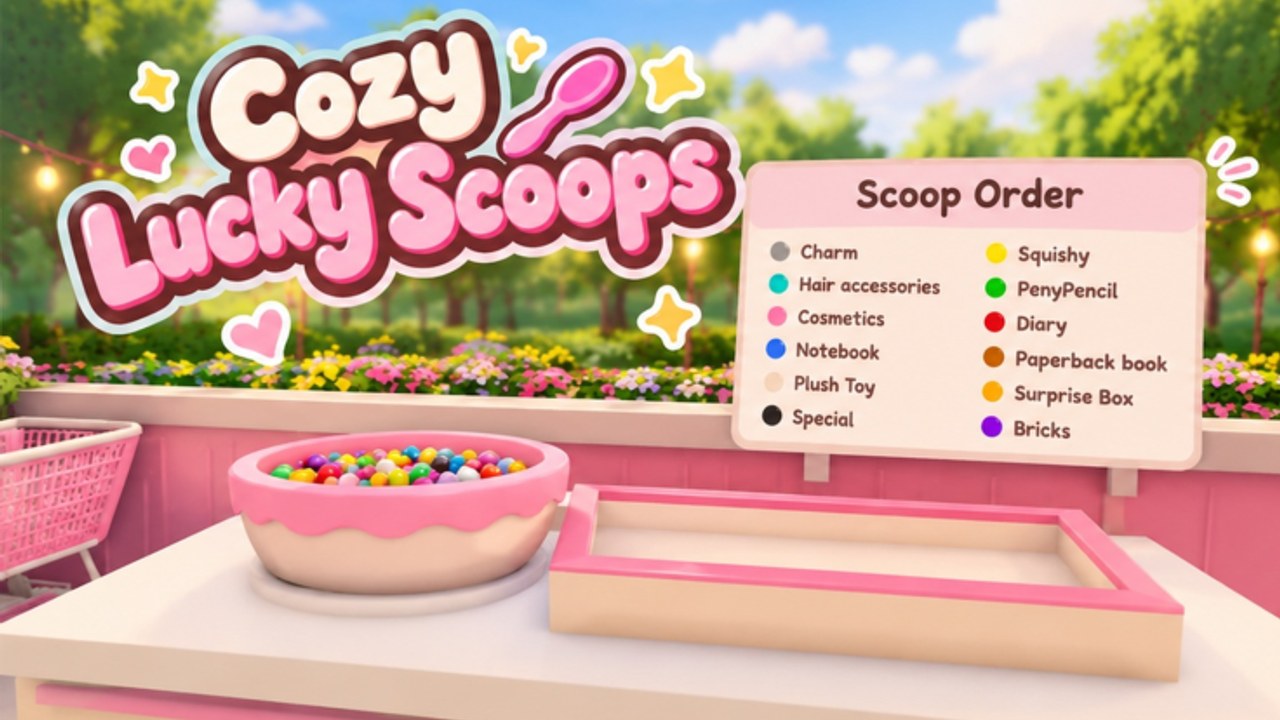
This Tier List Hub ranks progression investments for Cozy Lucky Scoop Order on Roblox by how much they speed up the scoop → pack → ship loop. The goal is simple: finish more orders per session so you climb badge milestones (1 / 10 / 25 / 50 / 100 / 250 / 500 / 750 / 1000) without wasting early coins on looks.
Use this page as your spend order checklist. Pair it with the order efficiency guide for workflow tips and the shop and garden guide when you are ready to decorate without stalling growth.
Ranking criteria
Tiers reflect early-to-mid Beta value, not vibes:
- How many more items you can carry per trip
- How often you restock without walking empty-handed
- How little the upgrade depends on friends being online
- Whether the spend is permanent progression versus pure cosmetics
Prices change and new gamepasses appear during Beta. Treat Robux amounts as check the in-game store—this hub ranks priority, not exact costs.
S-tier — carrying capacity (Basket / Cart)
Basket and Cart (or equivalent carry upgrades) sit at the top for almost every player. More capacity means fewer trips between scoop stations, packing tables, and shipping. That compounds every order you run, solo or with friends.
If you only buy one progression line early, buy capacity. It makes daily rewards, mini gifts, and badge grinding feel faster without changing the cozy tone of the game. When you later read scripts hubs or auto-helpers elsewhere, remember that legitimate capacity upgrades still help players who stay fully manual.
A-tier — shelves and stock
Stock shelves, storage, and anything that keeps products ready to scoop or pack belong in A-tier. Empty shelves force idle walking; full shelves keep the loop flowing. After capacity, expand stock so you are not constantly waiting on restocks mid-order.
Shelves also pair well with co-op: one friend can restock while another packs. See the Players Hub for role-split ideas.
B-tier — quality-of-life tools
Secondary tools that shave seconds—faster packing helpers, minor movement convenience, or small workflow unlocks—land here. They matter once S and A are covered. Buy them when leftover coins or Robux feel comfortable, not when you still struggle to carry a full order.
C-tier — early decoration
Shop and garden cosmetics are fun and on-brand for a cozy sim, but they rarely increase orders-per-hour. Save heavy decoration for after you can clear orders smoothly. When you do decorate, follow shop and garden so layouts stay walkable instead of pretty but slow.
Gamepass value (without inventing prices)
Roblox gamepasses for Cozy Lucky Scoop Order may include carry boosts, convenience packs, or cosmetic bundles. Open the in-game store for current Robux costs—this wiki will not invent numbers that go stale in Beta.
Practical rule of thumb:
- Prefer passes that raise capacity or stock uptime
- Skip cosmetic-only passes until badge goals feel comfortable
- Re-check after each Sakura Game Studios update—new passes can reshuffle value
Also watch the codes page. There are no working codes yet, but free redeemables can offset early purchases when they arrive.
Suggested spend order (first sessions)
- Learn the loop in Getting Started
- Claim daily rewards every login
- Push carrying capacity (S-tier)
- Expand shelves / stock (A-tier)
- Optimize route habits via order efficiency
- Decorate the shop and garden last
Solo versus co-op spending
Solo players should over-invest in personal capacity. Co-op groups (up to three friends inside a 12-player server) can specialize—one player buys stock upgrades while another focuses on carry—then share the order pipeline. Discuss purchases before everyone dumps coins into matching couches.
How often this list changes
Beta patches from Sakura Game Studios can rebalance tools, add shelves, or introduce new carry tiers. Recheck this hub after major drops listed on the Updates Hub. Community meta shifts when badge hunters flood servers after design events.
Related hubs
- Order efficiency — route and timing tips
- Shop and garden — decorate without killing flow
- Scripts — tooling notes and safety context
- Codes — freebies when they exist
- Badges — order milestones that reward grinding
Stay cozy, spend on throughput first, and let the shop look pretty once the orders are flying.
Frequently Asked Questions
Quick answers about scooping, packing, shipping, and Beta progress.
What should I buy first in Cozy Lucky Scoop Order?
Prioritize carrying capacity (Basket / Cart style upgrades), then shelves and stock. Decoration can wait until orders feel smooth.
Are gamepass Robux prices listed here?
No exact Robux amounts—prices change in Beta. Open the in-game store for current costs and use this tier list only for priority.
Do cosmetics help progression?
Usually not. Cosmetics improve vibe and shop identity but rarely raise orders per hour compared with capacity and stock.
Where else should I read after this tier list?
Follow order efficiency, shop and garden, and check codes plus scripts for extras.