Cozy Lucky Scoop Order Gamepasses
Basket, Cart, shelves, and coin helpers — prioritize capacity, verify live Robux prices in-game, and skip lookalike scoop titles.
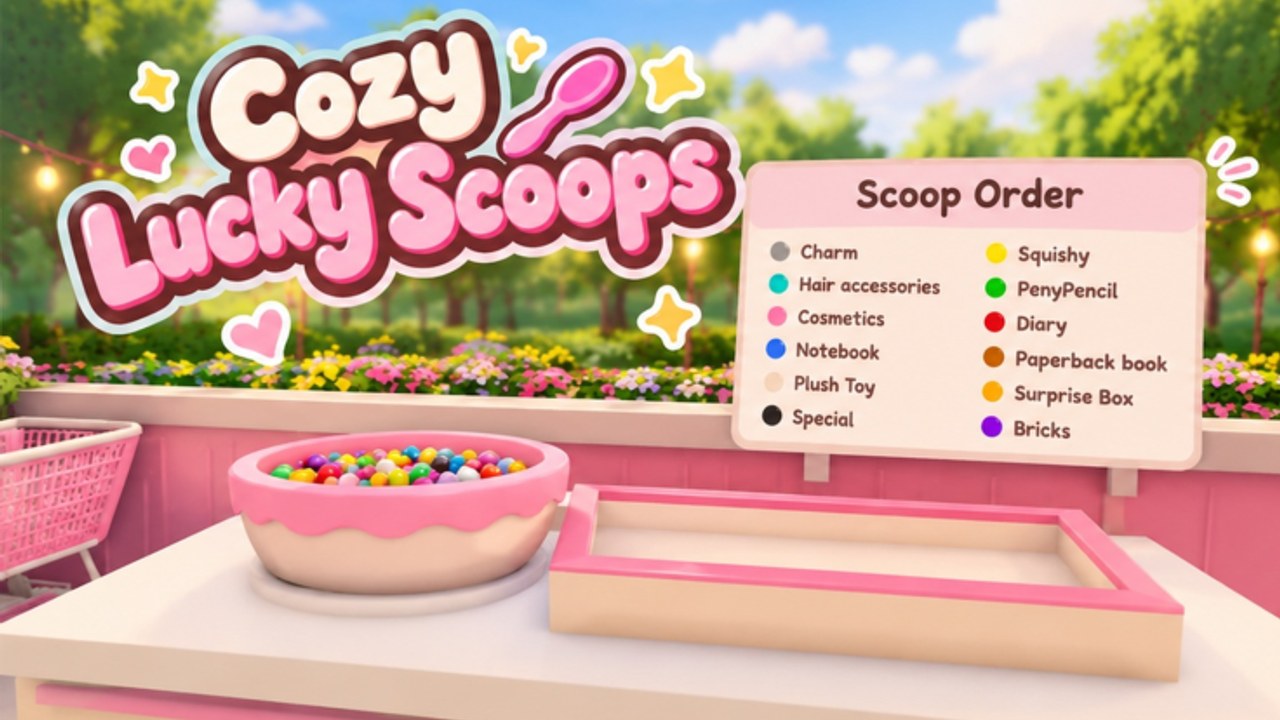
Gamepasses and store offers in Cozy Lucky Scoop Order exist to speed a cozy loop, not to replace it. Sakura Game Studios’ Roblox Beta (since October 19, 2026) still runs on Scoop → Pack → Ship. Paid or premium helpers usually touch carrying capacity, shelves / stock convenience, and coin or resource packs. This page explains how to think about those purchases without inventing Robux prices that change in the live store.
Always check the in-game store for current Robux costs. Screenshots lie. This wiki will not publish guessed price tags.
Also confirm you are in Cozy Lucky Scoop Order by Sakura Game Studios (place 70976799643592) — not Twinkle Bloom’s separate experience Lucky Scoop Order. Guides and passes do not transfer between those games.
What players usually mean by “gamepass” here
In community chat, “gamepass” may loosely include:
- Formal Roblox gamepasses tied to the experience
- Developer product / coin pack style offers
- Permanent capacity unlocks such as stronger Basket or Cart carrying
- Convenience related to shelves or stock availability
Community script hubs (for example ComboWick-style listings) often mention automation around Auto Buy Basket + Cart, Auto Buy Shelves, daily lucky coin helpers, stock helpers, and auto orders. Those mentions are useful as proof that Basket, Cart, and shelves systems exist in the economy. They are not a recommendation to run executors. If you research tooling, read Scripts first and understand account risk.
Priority rule: capacity first
If you spend anything, spend on throughput:
- Basket / Cart style carrying upgrades — fewer trips per ticket.
- Shelves and stock convenience — shorter scoop routes, less “out of stock” wandering.
- Coin packs — only when you already know what capacity buy you are funding.
- Pure cosmetics — after the line moves smoothly.
This matches the advice on Shop and Garden and the evolving Tier List. Cosmetics make the shop yours; capacity makes every later hour ship more badges.
Basket and Cart capacity
Low carry limits force micro-trips between scoop sources and the pack station. Basket and Cart style upgrades raise how much you can move per walk. Signs you need the next capacity step:
- Regular tickets need three or more trips.
- Friends wait on partial deliveries in co-op.
- You mispack because you are rushing incomplete loads.
Buy the next clear capacity step when those symptoms show up, then immediately use it on focused ships. A Cart upgrade that sits unused while you only decorate is a wasted receipt.
Shelves and stock systems
Shelves are route tools as much as storage. Extra or better-placed shelves keep popular products near Scoop-Pack-Ship flow. Community “never out of stock” style helpers exist because empty shelves create invisible downtime — you walk, find nothing, and blame “RNG” when the real issue is restock distance or missing shelf upgrades.
Practical shelf habits:
- Place high-use stock along the natural scoop → pack → ship path.
- Expand shelf capacity when restock walks dominate the clock.
- Do not bury shelves behind trophy decor.
- Recheck layout after cosmetics patches so new props do not block prompts.
Details live in Shop and Garden.
Coin packs and daily value
Coin or resource packs can accelerate unlocks, but they are optional. Before you buy:
- Claim daily rewards and do a short mini gift lap so free value is not left on the table.
- Know the exact capacity purchase you want next.
- Avoid impulse packs “just because the shop looks pretty today.”
There are no working promo codes as of mid-November 2026 — packs are not replaced by redeem codes right now. Watch Codes after future events.
How to evaluate a purchase in sixty seconds
Ask:
- Will this reduce trips, redos, or stockouts within the next hour?
- Is the same benefit available cheaper through coin grinding right now?
- Am I buying for throughput or for a screenshot?
- Did I verify the live Robux price in-game today?
If you cannot answer those clearly, wait. Beta stores can rename, reprice, or reshuffle offers.
Solo and co-op spending notes
Play solo or with up to three friends on servers of about twelve. In co-op:
- Capacity upgrades on the player who scoops most often pay off first.
- Shared floor plans still need clear shelves even if only one person owns a pass.
- Do not guilt friends into Robux spends — the loop is fully playable manually.
Role tips sit on the Players Hub. Packing quality still matters after any purchase — see Packing Orders.
Safety and lookalike games
- Purchase only through official Roblox prompts inside the correct experience.
- Ignore third-party “cheap Robux pass” sites.
- Do not mix advice from Lucky Scoop Order (Twinkle Bloom) into this wiki’s store notes.
- Treat script “auto buy pass” features as high risk even when they name real systems like Basket or Cart.
After you buy: convert value into badges
Gamepasses do not ship orders by themselves. Convert new capacity into cumulative ships toward 1, 10, 25, 50, 100, 250, 500, 750, and 1000 milestones on Badges. A strong post-purchase block:
- Confirm the upgrade applied.
- Run a focused Scoop-Pack-Ship set with zero decoration mid-block.
- Measure whether trips per ticket fell.
- Skim Order Efficiency if pathing is still messy.
- Only then spend leftover attention on garden vibes.
Related reading
- Shop and Garden — capacity versus decoration tradeoffs
- Tier List — ranked priority thinking as the meta page grows
- Order Efficiency — use new carry on real tickets
- How to Play — loop fundamentals before spending
- Scripts — tooling risk context for auto-buy chatter
- Codes — still empty; bookmark for later
Spend on the bottleneck you can feel — usually Basket, Cart, or shelves — verify Robux prices in the live store, and keep Cozy Lucky Scoop Order cozy by letting purchases serve shipped orders, not the other way around.
Frequently Asked Questions
Quick answers about scooping, packing, shipping, and Beta progress.
What gamepasses should I buy first in Cozy Lucky Scoop Order?
Prioritize Basket/Cart style carrying upgrades and shelf or stock convenience before cosmetics or vague coin packs. Always confirm live Robux prices in-game.
How much Robux do Basket and Cart cost?
Prices change and this wiki does not invent store numbers. Open the official in-game store on Cozy Lucky Scoop Order and read the current Robux tags there.
Are coin packs worth it?
Only if you already know which capacity upgrade you will buy next and you have claimed free dailies first. Otherwise grind coins with clean shipped orders.
Is this the same store as Lucky Scoop Order by Twinkle Bloom?
No. Cozy Lucky Scoop Order by Sakura Game Studios is a different experience. Do not use another scoop game’s pass list here.
Do scripts that auto-buy Basket, Cart, or shelves mean those systems are real?
They are community evidence that Basket, Cart, and shelves matter in the economy. They are not permission to run unsafe executors — see Scripts.
Where should I go after buying capacity?
Put the upgrade to work with Order Efficiency and track milestones on Badges. Revisit Shop and Garden for layout.